
Table of Contents
Reclaim Your Creative Hours: The Top 10 AI Tools for Content Creation in 2026 (That Actually Save Time)
Introduction: The Ghost in the Machine
I was staring at the blinking cursor, a sensation as familiar to me as my own heartbeat. The blank page wasn’t just empty; it was a silent, judgmental void. My to-do list screamed: “Blog post on quantum computing for beginners!” “Social media carousels!” “Email newsletter!” I had the ideas, the research, the intent—but the sheer, grinding labor of translating the nebulous cloud in my mind into polished pixels on a screen was paralyzing. The clock ticked. The cursor blinked. I was, as the kids say, having a case of the “content creator’s block.”
If you’ve ever felt that—the weight of the constant content grind—then you know it’s not a lack of creativity. It’s a lack of time. We’re not struggling to think; we’re struggling to do.
But what if you had a ghost in your machine? Not a replacement for your genius, but a silent partner that handled the heavy lifting. An assistant that could draft, design, edit, and brainstorm, freeing you to do what only you can do: infuse the work with strategy, soul, and a human touch.
That’s the promise of the 2026 AI content landscape. We’ve moved far beyond the clunky, robotic text generators of the early 2020s. The new tools are less like typewriters and more like a full-fledged creative studio, intuitive and deeply integrated into our workflow. They don’t just create content; they save time, our most precious and non-renewable resource.
Here are the top 10 AI tools in 2026 that are actually worth the hype, not because they think for you, but because they work for you.
The Strategic Architect: Jasper 3.0
What it is: The granddaddy of AI writing assistants, evolved. Jasper is no longer just a text box; it’s a strategic content architect.
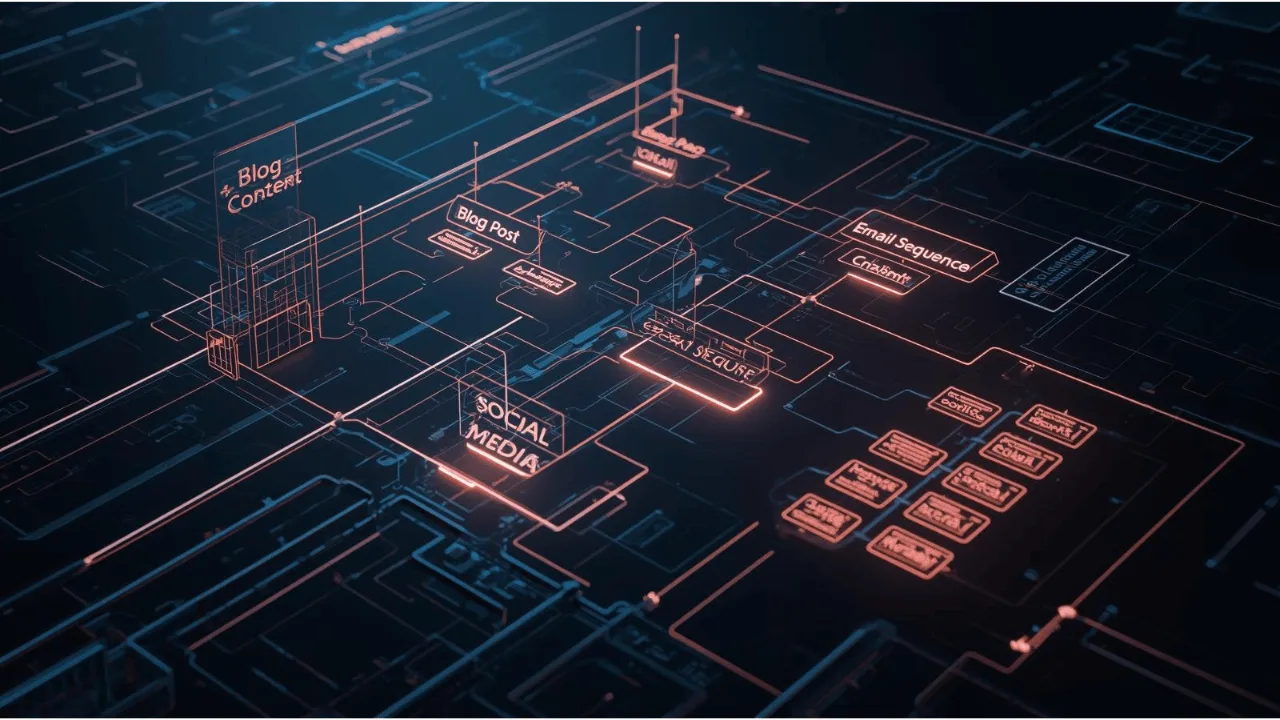
How it Saves Time in 2026: Imagine having a chief content officer who never sleeps. You feed it your brand voice documentation, your product specs, and your quarterly goals. Jasper’s “Campaigns” feature doesn’t just write a single email; it plans and drafts the entire 5-part nurture sequence, complete with subject lines and A/B test suggestions. It can analyze your top-performing blog posts and generate a quarter’s worth of SEO-optimized outlines in minutes.
The Human Touch: It’s the difference between hiring a scribe and a strategist. You’re no longer starting from a blank slate; you’re refining a solid, strategically-aligned first draft.
The Universal Canvas: Gamma 2.0
What it is: A tool that generates entire presentations, web pages, and documents from a text prompt.

How it Saves Time in 2026: Remember spending hours wrestling with PowerPoint templates, trying to make text fit and images align? Gamma makes that a relic of the past. You type: “Create a 10-slide investor deck for a sustainable sneaker startup, with data visualizations on market growth,” and a beautiful, fully-designed deck appears. You then edit the content and visuals in real-time, collaboratively. It’s like having an instant graphic designer and presentation specialist on call.
The Human Touch: Gamma handles the 80% of design work that is pure logistics, letting you focus on the 20% that requires your unique narrative and aesthetic sense.
The Sonic Storyteller: ElevenLabs Pro
What it is: Hyper-realistic AI voice generation that has finally cracked the code on emotion, cadence, and nuance.
How it Saves Time in 2026: No more booking expensive studio time or struggling with your own “ums” and “ahs” for your podcast or video narration. You write your script, select a voice from ElevenLabs’ library (or clone your own), and specify tone markers—like [excited] or [somber reflection]. The result is a pristine, professional audio track in minutes. It’s democratizing audio content creation at an unprecedented scale.
The Human Touch: You control the script and the emotional direction. The AI is the flawless actor, delivering your words with the exact feeling you intended.
The Visual Alchemist: Midjourney V7 & “Concept Lock”
What it is: The leading AI image generator, now with an almost psychic understanding of composition and a game-changing new feature.

How it Saves Time in 2026: While earlier versions were brilliant but random, Midjourney V7’s “Concept Lock” allows you to define a visual style—say, “my brand’s minimalist aesthetic with muted pastels and clean lines”—and lock it in. Every subsequent image generation adheres to that style guide. Need 20 unique blog images that all look cohesively on-brand? It’s now a single command. This eliminates the hours of iterative prompting to achieve visual consistency.
The Human Touch: You are the art director. “Concept Lock” is your style guide, ensuring the AI’s creativity serves your brand’s visual identity, not the other way around.
The Dynamic Muse: Claude (Anthropic)
What it is: An AI assistant renowned for its deep reasoning, long-context memory, and nuanced understanding of language.

How it Saves Time in 2026: Where Jasper is your strategist, Claude is your muse and editor. Its killer feature is handling massive documents. You can upload an entire 50-page PDF of research and ask it to “find the three most compelling arguments for my thesis and draft an introduction weaving them together.” It’s perfect for long-form content creators, authors, and researchers who need to synthesize complex information quickly.
The Human Touch: Claude acts as a brilliant research partner, connecting dots you might have missed and helping you structure complex thoughts with clarity.
The Personal Producer: Descript’s “Overdub for Video”
What it is: A video editing suite where you edit video by editing the text transcript.
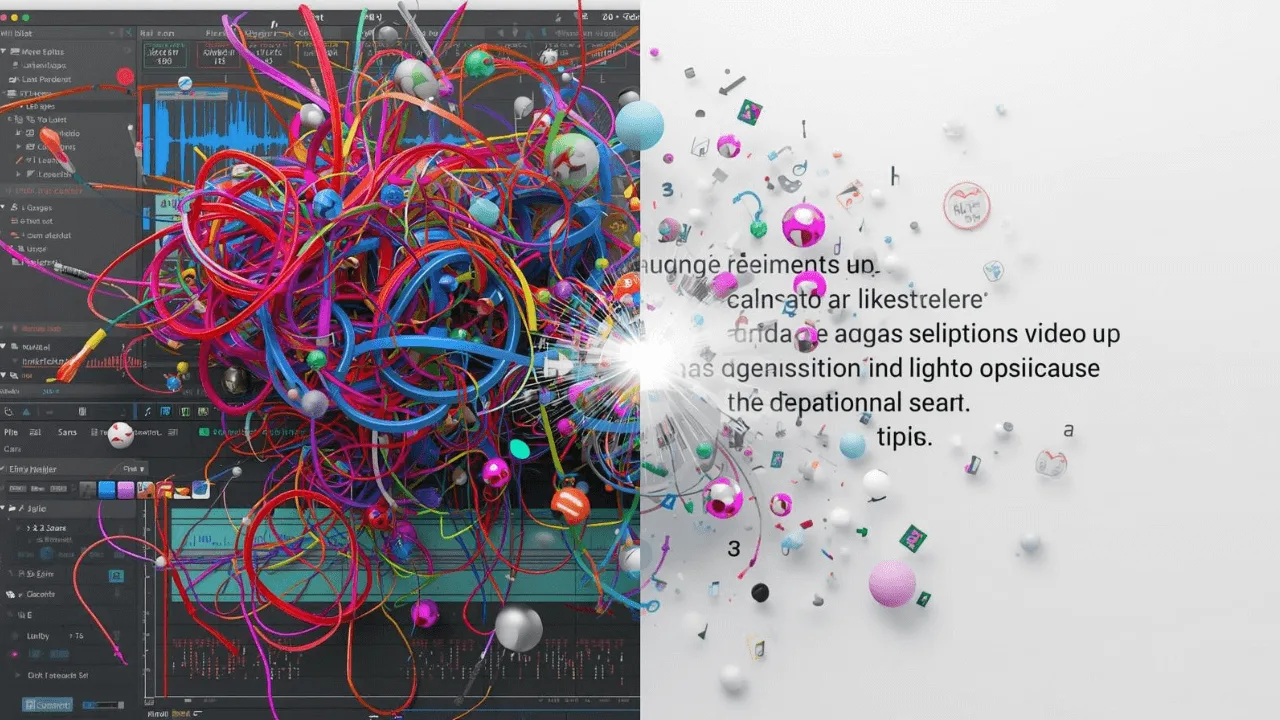
How it Saves Time in 2026: Its “Overdub” feature, which once just fixed audio, now seamlessly edits video to match text changes. Made a mistake in your video tutorial? Just delete the spoken words from the transcript. Descript’s AI will not only re-synthesize the audio but will also generate new, photorealistic video frames of your mouth to match the new words, eliminating jarring cuts. It turns a 2-hour video editing job into a 10-minute text correction.
The Human Touch: It removes the technical friction of video editing, allowing you to focus entirely on your performance and the message.
The SEO Clairvoyant: Frase IO
What it is: An AI tool dedicated to creating content that ranks high on search engines.

How it Saves Time in 2026: Frase does the SEO grunt work for you. You type in a target keyword, and it instantly analyzes the top 20 Google results, summarizing the common questions, topics, and keywords they cover. It then provides a structured outline and even a first draft that’s already optimized to compete. This saves days of manual competitive analysis and guesswork.
The Human Touch: You provide the unique angle and expert insight; Frase ensures the technical structure is built for visibility from the ground up.
The Empathetic Inbox: Lavender’s “AI Coach”
What it is: An AI assistant that integrates with your email (like Gmail or Outlook) to help you write better, faster emails.

How it Saves Time in 2026: Beyond just grammar checks, Lavender’s 2026 “AI Coach” analyzes the recipient’s profile and your email’s tone to give real-time feedback. “This sounds a bit abrupt for a first-time client.” Or, “Sarah from marketing usually responds better to a more casual tone.” It can also generate full email replies from a few bullet points you provide. It cuts email writing time in half while improving relationship-building.
The Human Touch: It’s like having a seasoned communications coach whispering over your shoulder, helping you be more persuasive and empathetic, faster.
The Code Poet: GitHub Copilot X
What it is: An AI pair programmer that writes code, but now for content creators.

How it Saves Time in 2026: For anyone who touches a website, newsletter template, or interactive content, Copilot X is a game-changer. Stuck on a piece of CSS for your blog? Describe what you want in plain English: “Make this button animate with a gentle pulse.” Copilot suggests the code. Need a custom function for your mailing list? It writes it. It bridges the gap between creative vision and technical execution.
The Human Touch: It empowers non-coders to bring their precise visual and functional ideas to life without relying on a developer for every small change.
The Synthesis Engine: ChatGPT’s “Data Interpreter” Mode
What it is: The ubiquitous ChatGPT, but with a supercharged ability to analyze and create from your own data.
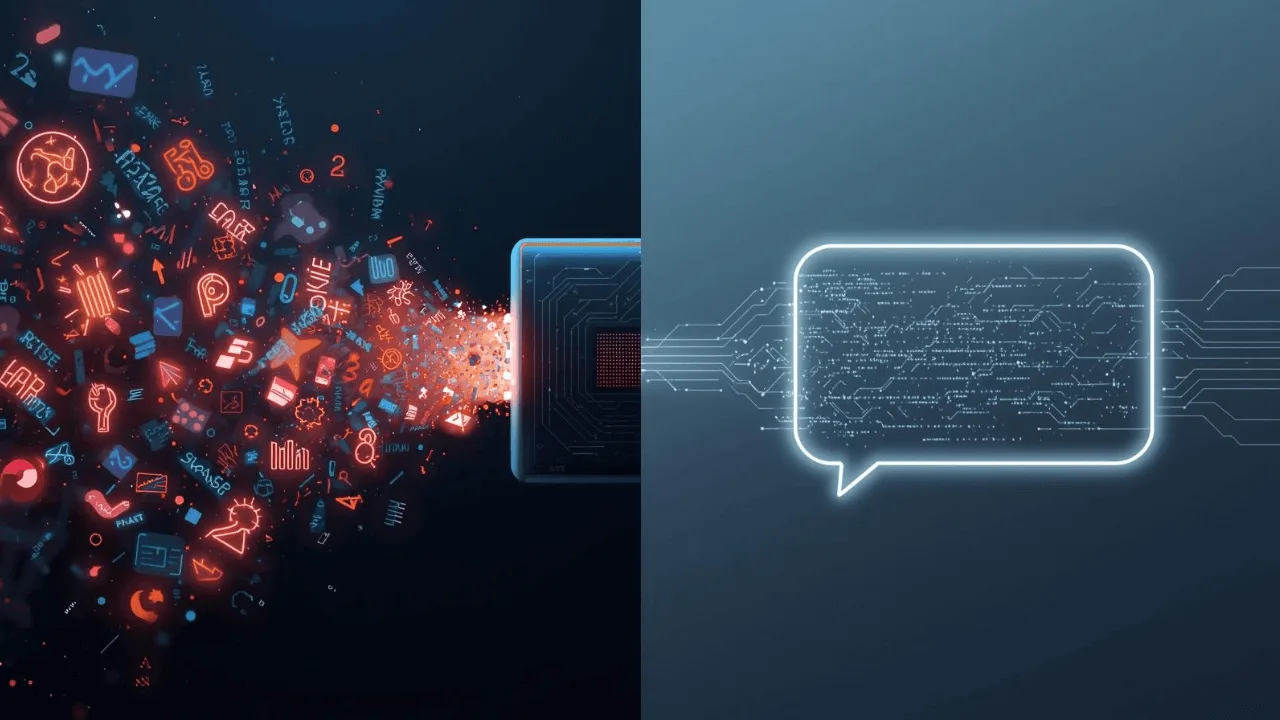
How it Saves Time in 2026: The “Data Interpreter” mode can take your messy, real-world data—a spreadsheet of customer feedback, a transcript of user interviews, a PDF of a market report—and find the narrative. You can ask it: “What are the three biggest pain points my customers are mentioning?” or “Turn this data into a compelling story for our next all-hands meeting.” It turns raw, unstructured information into actionable insights and ready-to-use content.
The Human Touch: You remain the storyteller. The AI is the master researcher and data analyst, handing you the golden nuggets of insight from the noise.
Conclusion: Your Time, Reclaimed
Look back at that list. Notice a pattern? These tools aren’t about outsourcing your creativity. They are about automating the friction.

They handle the blank page panic, the template tyranny, the audio cleanup, the SEO spelunking, and the data drudgery. They are the power tools for the mind, sanding down the rough, time-consuming parts of the creative process so you can focus on the art of joining the pieces together.
The blinking cursor I started with? It doesn’t haunt me anymore. Now, it’s an invitation to a conversation—a collaboration between my human intuition and a machine’s boundless efficiency. The goal was never to have the AI do all the work. The goal was to get my time back—time to think, to strategize, to connect, and yes, sometimes, to simply step away from the screen and live a life worth writing about.
The future of content creation isn’t a battle of human vs. machine. It’s a partnership. And in 2026, that partnership is finally paying off in the only currency that truly matters: your time.
FAQ: Your AI Content Creation Questions, Answered
Frequently Asked Questions
This is the biggest misconception. The AI tools of 2026 are designed to be directed by your unique voice. They are the brush, but you are the artist. By feeding them your brand guidelines and providing specific, nuanced instructions, you ensure the output is a first draft that you then refine and imbue with your personality. The generic content comes from generic prompts.
Don’t try to boil the ocean. Start by identifying your biggest “time sink.” Is it writing? Start with a writing assistant like Jasper or Claude. Is it visual design? Begin with Gamma or Midjourney. Most offer free trials. Pick one, master it, and see how much time it saves you before investing in another. Think of it as hiring one new team member at a time.
Quite the opposite—when used correctly. Google has stated it rewards high-quality, helpful content, regardless of how it’s created. The key is the “human touch.” Tools like Frase.io are built specifically for SEO, but your role is to add unique expertise, experience, and value that a machine cannot. AI builds the SEO-friendly frame; you provide the unique masterpiece that hangs inside it.
These are critical questions. Plagiarism: Reputable AI models are trained on massive datasets to generate original text, not to copy-and-paste. It’s always good practice to run content through a plagiarism checker. Misinformation: AI can “hallucinate” facts. This is why it’s crucial to act as the editor-in-chief—fact-checking all outputs, especially for data and names. Job Loss: The history of technology shows that while some tasks are automated, new, more valuable roles are created. AI won’t replace content creators, but a content creator who uses AI will replace one who doesn’t.
The driving trend in 2026 is intuitive, user-friendly design. Tools like Gamma and Descript are specifically built for people who aren’t professional designers or video editors. They use simple, conversational interfaces. The learning curve is less about complex software and more about learning how to write effective prompts—a skill you can master in an afternoon.

