Free SVG to PNG Converter
Convert SVG vector images to high-quality PNG format with one click. Batch processing supported.
Drag & drop your SVG images here or click to browse
Supports SVG • Max 10MB per image
How to Use SVG to PNG Converter by Lab51i
This SVG to PNG Converter is a fast, free web tool that instantly turns your scalable SVG vector graphics into high-quality PNG images — perfect for social media, presentations, email, and print.
No software. No sign-up. Just upload, convert, and download.
Step 1: Upload Your SVG Files
Get started in seconds:
- Drag & drop your SVG files into the upload area, or
- Click “Select Images” to browse your device.
You can upload multiple SVGs at once.
Only SVG files accepted Max size per image: 10 MB Tip: Hold Ctrl (or Cmd) to select several files
Step 2: Conversion Starts Automatically
After upload:
- Each SVG appears in a preview card.
- Status updates: “Queued” → “Converting…” → “Completed”.
- A live progress bar shows batch progress.
No clicks needed — conversion begins immediately!
Renders at 800×600px with white background and 100% quality.
Step 3: Compare SVG vs PNG Side-by-Side
Each card shows:
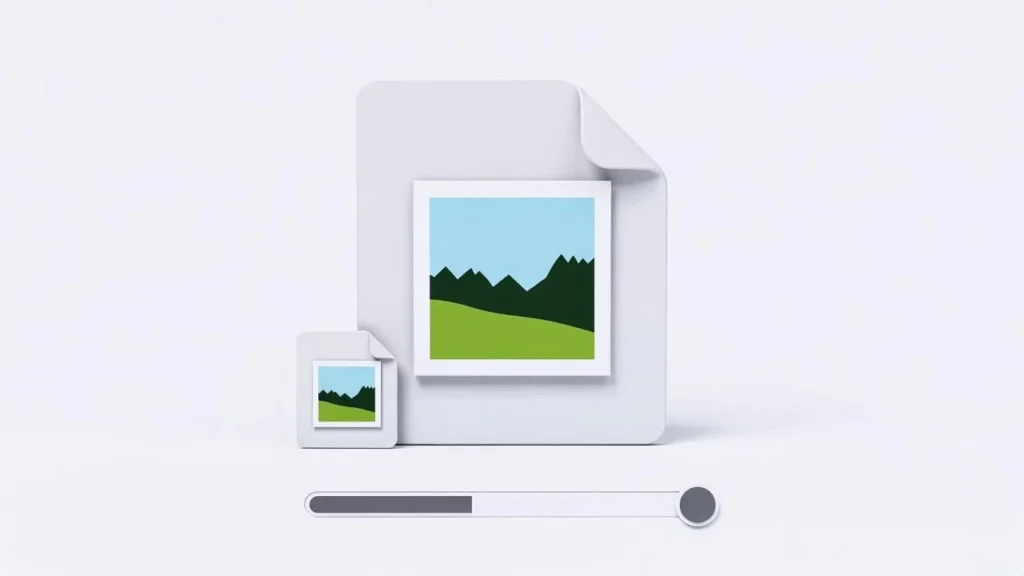
| Original (SVG) | Converted (PNG) |
|---|---|
| Your vector graphic | Rasterized PNG version |
| Original file size | New PNG size |
| Scalable preview | Crisp pixel preview |
Hover to zoom. See the final PNG output before downloading.
Transparency is preserved — transparent areas in SVG become transparent in PNG.
Step 4: Download Your PNG Files
Two easy ways to get your images:
Option A: Download One PNG
- Click the blue download icon under any finished image.
- Saves as: yourlogo.png
Option B: Download All as ZIP
- Wait for at least one conversion to finish.
- Click “Download All as ZIP”.
- Get one file: Lab51i_converted_images.zip
- Inside: Lab51i_001.png, Lab51i_002.png, etc.
Perfect for sharing or archiving!
Why Convert SVG to PNG?
| Use Case | Why PNG Wins |
|---|---|
| Social media & email | PNG is universally supported |
| PowerPoint & Docs | Embed crisp images easily |
| Print materials | High-quality raster output |
| Legacy systems | Avoid SVG compatibility issues |
Pro Tips
- Need different size? Edit the SVG first (e.g., in Figma) to set desired dimensions.
- Want transparent background? Keep it in your SVG — PNG will preserve it.
- Large batch? Upload 5–10 SVGs at a time for fastest processing.
Common Questions
Why is my PNG larger than the SVG? SVGs are text-based vectors (tiny). PNGs are pixel data (larger). This is normal.
Can I change the output size? This version uses 800×600px. For custom sizes, edit the SVG’s viewBox or use design software.
Will animations or text stay editable? No — PNG is raster, not vector. Only the visual appearance is preserved.
Is it safe? Yes! All processing happens in your browser. No files are uploaded or stored.
You’re Done!
You’ve just:
- Converted SVGs to print-ready, web-safe PNGs
- Preserved transparency and quality
- Created pixel-perfect raster images
Free SVG to PNG Converter by Lab51i From infinite scale to perfect pixels — in one click.
Drop your first SVG now and rasterize with confidence!