Free PNG to WebP Converter
Easily convert PNG images to WebP format with professional quality. Preview conversions and download with ease.
Drag & drop your PNG images here or click to browse
Supports PNG • Max 50MB per image
How to Use PNG to WebP Converter by Lab51i
This PNG to WebP Converter is a fast, free, browser-based tool that transforms your PNG images into next-generation WebP format — delivering smaller file sizes with full transparency and crisp quality.
Perfect for websites, apps, and modern browsers.
No software. No sign-up. Just upload, convert, and save.
Step 1: Upload Your PNG Images
Start instantly:
- Drag & drop your PNG files into the upload area, or
- Click “Select Images” to browse your device.
Upload multiple PNGs at once — batch processing made easy!
Only PNG files accepted Max size per image: 50 MB Tip: Hold Ctrl (or Cmd) to select many files
Step 2: Conversion Begins Automatically
After upload:
- Each image appears in a preview card.
- Status updates: “Queued” → “Converting…” → “Completed”.
- A live progress bar tracks your batch.
No buttons needed — it starts converting right away!
Uses 80% WebP quality — excellent balance of size and sharpness.
Step 3: Compare PNG vs WebP Side-by-Side
Each card shows:
| Original (PNG) | Converted (WebP) |
|---|---|
| Your uploaded image | Same image, now in WebP |
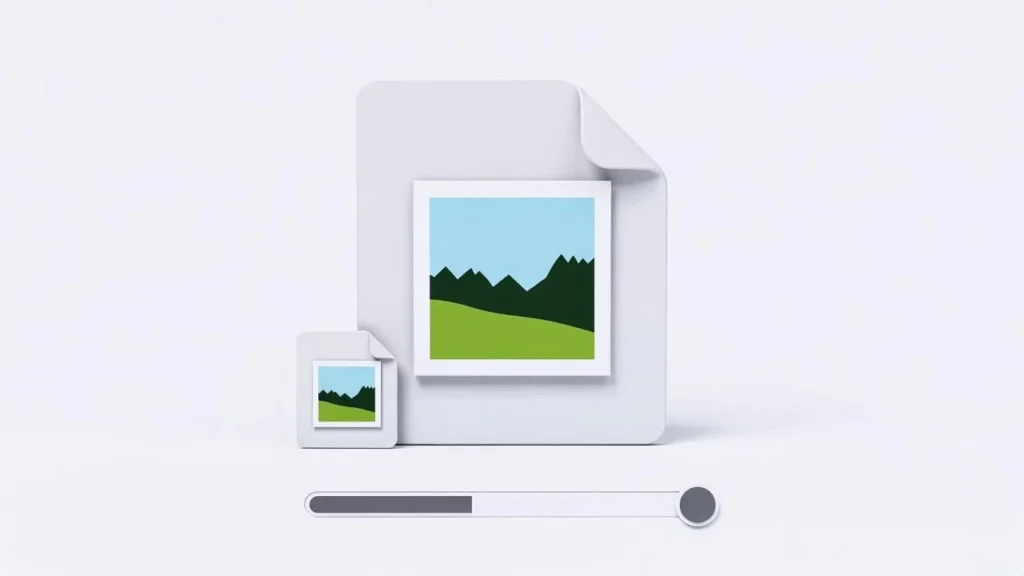
| Original file size | New size (often 30–70% smaller) |
| Full preview | Full preview |
Hover to zoom. See the file size savings instantly!
Transparency is preserved — WebP supports alpha like PNG.
Step 4: Download Your WebP Files
Two simple download options:
Option A: Download One Image
- Click the blue download icon under any finished WebP.
- Saves as: yourimage.webp
Option B: Download All as ZIP
- Wait for at least one image to complete.
- Click “Download All as ZIP”.
- Get one file: Lab51i_converted_images.zip
- Inside: Lab51i_001.webp, Lab51i_002.webp, etc.
Perfect for web projects!
Why Convert PNG to WebP?
| Benefit | Impact |
|---|---|
| Smaller files | Up to 70% smaller than PNG |
| Full transparency | Alpha channel fully supported |
| Faster websites | Lower load times, better SEO |
| Modern standard | Used by Google, Chrome, Firefox, Edge |
Note: WebP is supported by 98%+ of browsers (as of 2025).
Pro Tips
- Best for web — Replace PNGs on your site with WebP for instant speed gains.
- Keep quality? 80% quality looks identical to PNG in most cases.
- Large batch? Upload 10–20 images at a time for optimal speed.
Common Questions
Why is WebP smaller but looks the same? WebP uses advanced compression (VP8/VP9) — smarter than PNG’s old method.
Will transparency be lost? No! WebP keeps full alpha transparency — perfect for logos, icons, and overlays.
Can older browsers view WebP? Most can. For the rest, serve PNG as a fallback in your HTML/CSS.
Is it safe? Yes! All processing happens in your browser. No data is uploaded.
You’re Ready!
You’ve just:
- Converted PNGs to ultra-efficient WebP
- Kept full transparency and quality
- Slashed file sizes for faster web performance
Free PNG to WebP Converter by Lab51i Smaller. Smarter. Faster.
Drop your first PNG now — and watch the web load faster!