Free PNG to SVG Converter
Easily convert PNG images to SVG format with professional quality. Preview conversions and download with ease.
Drag & drop your PNG images here or click to browse
Supports PNG • Max 50MB per image
How to Use PNG to SVG Converter by Lab51i
This PNG to SVG Converter is a powerful, free web tool that transforms your PNG images into clean, scalable SVG vector files — perfect for logos, icons, illustrations, and responsive web design.
Step 1: Upload Your PNG Images
Start in seconds:
- Drag & drop your PNG files into the upload area, or
- Click “Select Images” to browse your device.
You can upload multiple PNGs at once.
Only PNG files accepted Max size per image: 50 MB Tip: Hold Ctrl (or Cmd) to select several files
Step 2: Conversion Starts Automatically
After upload:
- Each image appears in a preview card.
- Status changes: “Queued” → “Converting…” → “Completed”.
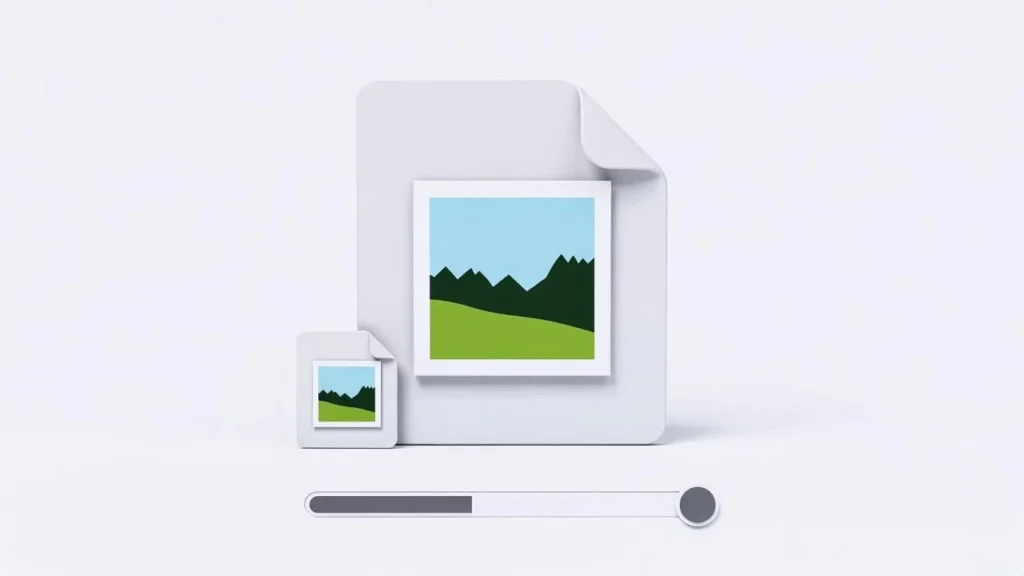
- A progress bar shows batch completion.
No buttons to press — it works instantly!
The tool wraps your PNG inside an SVG container — preserving 100% pixel accuracy.
Step 3: Compare PNG vs SVG
Each card shows:
| Original (PNG) | Converted (SVG) |
|---|---|
| Your uploaded image | Same image, now in SVG |
| Original file size | SVG file size |
| Raster preview | Scalable preview |
Hover to zoom. See the SVG file ready for use.
SVG files are scalable — zoom in forever without losing quality!
Step 4: Download Your SVG Files
Two easy ways to get your vectors:
Option A: Download One SVG
- Click the blue download icon under any finished file.
- Saves as: yourlogo.svg
Option B: Download All as ZIP
- Wait for at least one image to finish.
- Click “Download All as ZIP”.
- Get one file: Lab51i_converted_images.zip
- Inside: Lab51i_001.svg, Lab51i_002.svg, etc.
Perfect for design projects!
Why Use PNG to SVG (Embedded)?
| Use Case | Benefit |
|---|---|
| Web icons & logos | Scalable, lightweight, animatable |
| Responsive design | Looks sharp on all screens |
| CSS styling | Change colors, add effects with code |
| Printing | Crystal-clear at any size |
Note: This method preserves every pixel but does not trace shapes into vectors. The SVG contains your PNG as a base64 image.
Pro Tips
- Best for: Simple icons, logos with transparency, flat designs
- Not ideal for: Complex photos or illustrations (use vector tracing tools)
- Want true vectors? Try Inkscape (free) or Vector Magic (paid)
- File size: SVG may be larger than PNG due to base64 encoding
Common Questions
Why is my SVG file bigger than the PNG? SVG embeds the PNG as text (base64). This increases size but ensures perfect compatibility.
Can I edit the SVG in Figma or Illustrator? Yes! Open it — you’ll see the embedded image. Replace it with traced paths if needed.
Will transparency be preserved? Yes! PNG transparency is fully kept in the SVG.
Is it safe? 100% private. All processing happens in your browser — no files are uploaded.
You’re Done!
You’ve just:
- Converted PNGs to scalable SVG format
- Preserved perfect quality and transparency
- Created web-ready vector assets
Free PNG to SVG Converter by Lab51i From pixels to scalable vectors — in one click.
Drop your first PNG now and go fully responsive!