Free PNG to JPG Converter
Easily convert PNG images to JPG format with professional quality. Preview conversions and download with ease.
Drag & drop your PNG images here or click to browse
Supports PNG • Max 50MB per image
How to Use PNG to JPG Converter by Lab51i
This PNG to JPG Converter is a fast, free, browser-based tool that instantly converts your PNG images into high-quality JPG files — perfect for smaller file sizes, web optimization, and email sharing.
No software. No sign-up. Just upload, convert, and save.
Step 1: Upload Your PNG Images
Get started in seconds:
- Drag & drop your PNG files into the upload box, or
- Click “Select Images” to browse your device.
Upload multiple PNGs at once — no limits!
Only PNG files are accepted Max size per image: 50 MB Tip: Hold Ctrl (or Cmd) to select several files
Step 2: Conversion Starts Automatically
Once uploaded:
- Each image appears in a preview card.
- Status updates: “Queued” → “Converting…” → “Completed”.
- A real-time progress bar shows overall completion.
No need to click anything — it works instantly!
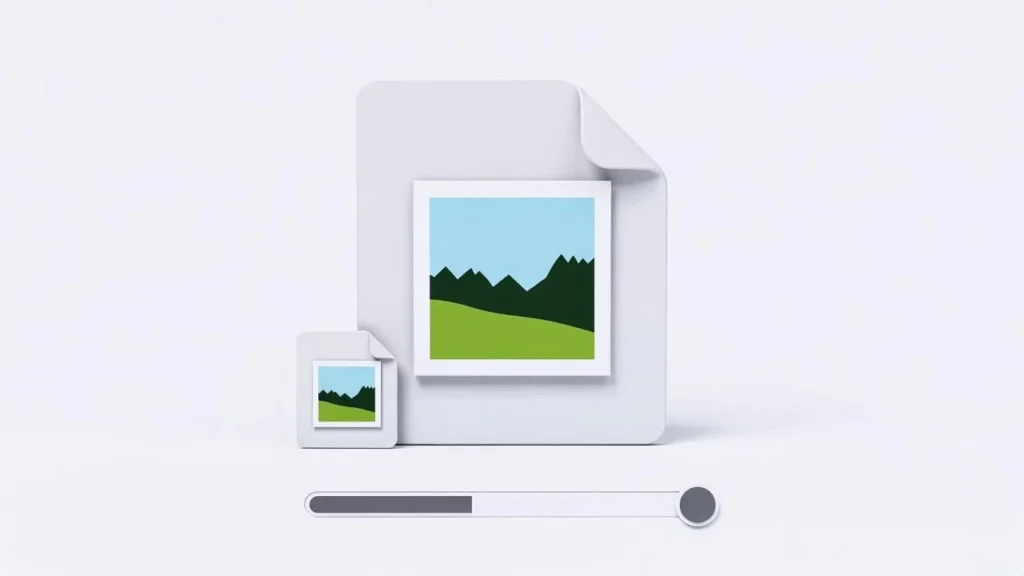
The tool uses 80% JPG quality for the perfect balance of size and clarity.
Step 3: Compare Before & After
Each card shows a side-by-side comparison:
| Original (PNG) | Converted (JPG) |
|---|---|
| Your uploaded image | Same image, now in JPG |
| Original file size | New (usually much smaller) size |
| Full preview | Full preview |
Hover to zoom. See how much space you saved!
Transparent areas become white — standard for JPG format.
Step 4: Download Your JPG Files
Two easy ways to get your converted images:
Option A: Download One Image
- Click the blue download icon under any finished JPG.
- Saves as: yourimage.jpg
Option B: Download All as ZIP
- Wait for at least one image to finish.
- Click “Download All as ZIP”.
- Get one file: Lab51i_converted_images.zip
- Inside: Lab51i_001.jpg, Lab51i_002.jpg, etc.
Ideal for batch workflows!
Why Convert PNG to JPG?
| Use Case | Why JPG Wins |
|---|---|
| Website images | Loads faster, saves bandwidth |
| Email attachments | Smaller files = quicker sending |
| Social media | Most platforms prefer JPG |
| Storage saving | Reduce PNG bloat without losing quality |
Pro Tips
- Want smaller files? The tool already uses smart 80% quality — great for web.
- Keep transparency? Use PNG instead. JPG doesn’t support it.
- Large batch? Upload 10–20 images at a time for best speed.
Common Questions
Why does my JPG look slightly different? JPG is lossy — it slightly compresses data to save space. At 80% quality, differences are minimal.
Can I adjust quality? This version uses a fixed, optimized setting. For full control, try advanced editors.
Is it private? Yes! All conversion happens in your browser. No files leave your device.
You’re Done!
You’ve just:
- Shrunk large PNGs into lightweight JPGs
- Previewed results instantly
- Saved time and storage
Free PNG to JPG Converter by Lab51i From heavy to handy — in one click.
Drop your first PNG now and feel the speed!