Free GIF to JPG Converter
Convert GIFs to high-quality JPGs instantly. Extracts the first frame of animated GIFs.
Drag & drop your GIF images here or click to browse
Supports GIF • Max 50MB per image
Note: Only the first frame of animated GIFs will be converted.
How to Use GIF to JPG Converter by Lab51i
This GIF to JPG Converter is a fast, free web tool that instantly transforms your GIFs into high-quality JPG images — perfect for websites, emails, social media, and saving space.
Only the first frame of animated GIFs is converted.
No software. No sign-up. Just drop and go.
Step 1: Upload Your GIFs
Start in seconds:
- Drag & drop your GIF files into the upload area, or
- Click “Select Images” to browse your device.
You can upload multiple GIFs at once.
Only GIF files accepted Max size per file: 50 MB Tip: Hold Ctrl (or Cmd) to select several files
Step 2: Conversion Starts Automatically
After upload:
- Each GIF appears in a preview card.
- Status changes: “Queued” → “Converting…” → “Completed”.
- A progress bar shows how many are done.
No buttons to press — it starts right away!
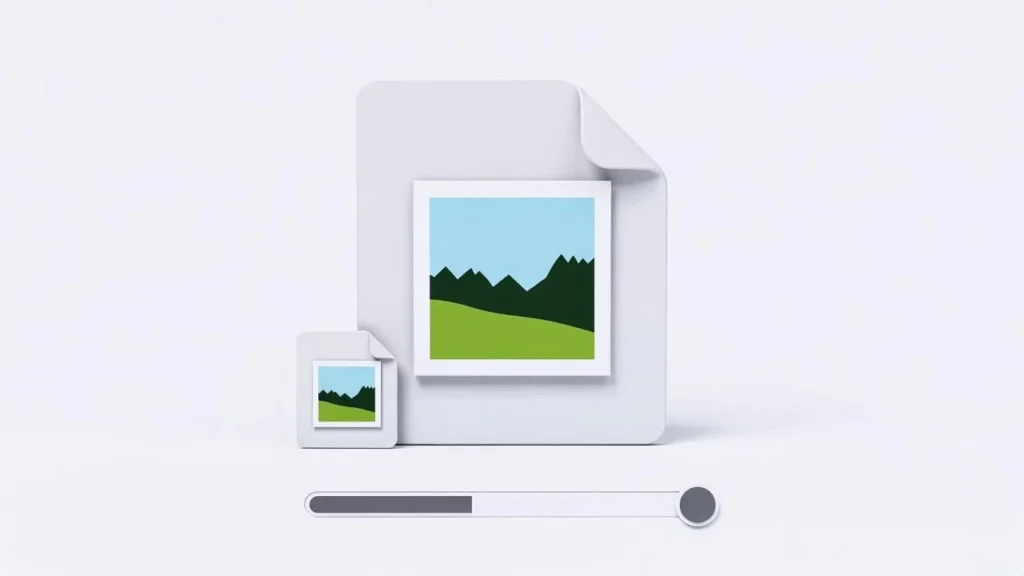
Uses 95% JPG quality — excellent clarity with smaller file size.
Step 3: Compare GIF vs JPG Side-by-Side
Each card shows:
| Original (GIF) | Converted (JPG) |
|---|---|
| Your animated/static GIF | First frame as JPG |
| Original file size | New (usually much smaller) size |
| Animated preview | Crisp static preview |
Hover to zoom. See the final JPG result instantly.
Animation is removed — only the first frame is saved.
Step 4: Download Your JPGs
Two easy download options:
Option A: Download One JPG
- Click the blue download icon under any finished image.
- Saves as: yourgif.jpg
Option B: Download All as ZIP
- Wait for at least one conversion to finish.
- Click “Download All as ZIP”.
- Get one file: Lab51i_converted_gifs_to_jpg.zip
- Inside: Lab51i_001.jpg, Lab51i_002.jpg, etc.
Perfect for bulk cleanup!
Why Convert GIF to JPG?
| Benefit | Impact |
|---|---|
| Smaller files | Up to 90% smaller than GIF |
| Faster loading | Ideal for websites & email |
| Better compatibility | JPG works everywhere |
| No animation bloat | Remove looping for static use |
Pro Tips
- Want all frames? Use a GIF splitter first, then convert each frame.
- Best for: Memes, icons, thumbnails, profile pics
- Transparency? Not supported in JPG — background becomes white
- Large batch? Upload 10–20 GIFs at a time for best speed
Common Questions
Why only the first frame? JPG is static — it can’t store animation. The first frame is the most common choice.
Can I keep the animation? No — use WebP or APNG for animated alternatives.
Why is my JPG smaller than the GIF? GIF uses old, inefficient compression. JPG is much smarter.
Is it safe? Yes! All processing happens in your browser — no files are uploaded.
You’re Done!
You’ve just:
- Turned bloated GIFs into lean, fast JPGs
- Saved tons of storage and bandwidth
- Created web-ready static images
Free GIF to JPG Converter by Lab51i From looping to lightning-fast — in one click.
Drop your first GIF now and declutter your gallery!