Free Image Compressor
Effortlessly compress multiple images with professional quality. Automatic processing, side-by-side comparison, and easy downloads.
Drag & drop your images here or click to browse
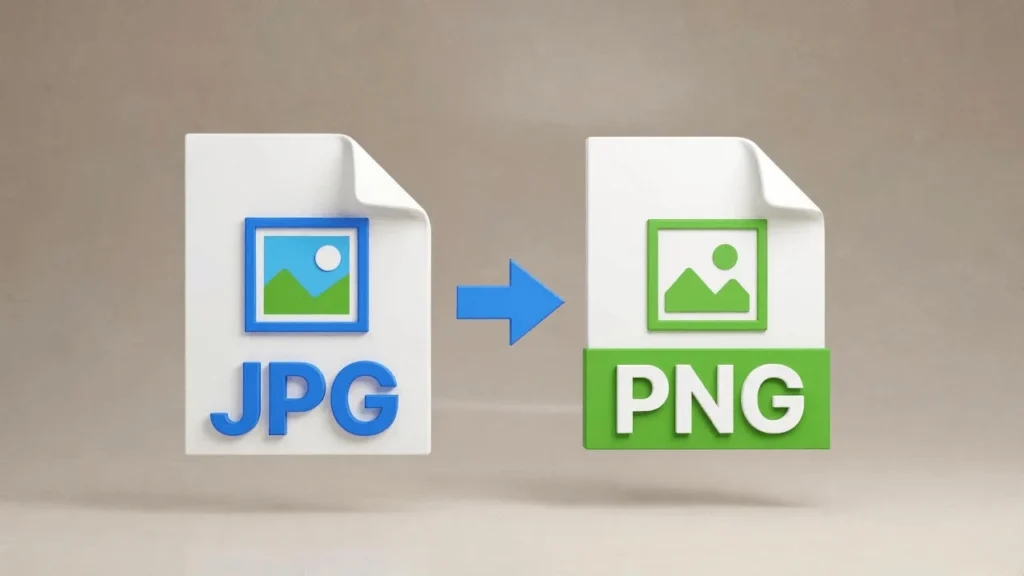
Supports JPG, PNG, WebP, GIF • Max 50MB per image
How to Use Image Compressor by Lab51i
This Image Compressor is a powerful, free web tool that lets you shrink multiple images at once — right in your browser. No downloads, no sign-ups, and no quality loss. Whether you’re a photographer, designer, or just cleaning up your phone gallery, this guide shows you exactly how to get professional results in seconds.
Step 1: Upload Your Images
Getting started is simple:
- Drag and drop your photos directly into the big upload box, or
- Click the “Select Images” button to pick files from your computer or phone.
You can upload as many images as you want at once.
Supported formats: JPG, PNG, WebP, GIF Maximum size per image: 50 MB Pro tip: Select multiple files by holding Ctrl (or Cmd on Mac) while clicking.
Step 2: Let It Work Automatically
As soon as you upload:
- Each image appears in a card below the upload area.
- A status badge shows “Queued” → “Compressing…” → “Completed”.
- A progress bar at the bottom tracks overall completion.
You don’t need to click anything — compression starts immediately and runs one image at a time for best performance.
The tool intelligently reduces file size while preserving sharpness. Large photos are automatically scaled down (max 1920px) — perfect for websites and social media.
Step 3: Compare Before & After
Each image card gives you a side-by-side view:
| Original | Compressed |
|---|---|
| Full preview | Optimized preview |
| Original file size | New size + percentage saved |
Hover over any image to zoom in and inspect details. See exactly how much space you’ve saved — often 50–80% smaller with no visible difference!
Step 4: Download Your Optimized Images
You have two easy download options:
Option A: Download One Image
- Look for the blue download icon under any finished image.
- Click it → your compressed version saves instantly.
- File name: yourphoto_compressed.jpg (or .png, .webp)
Option B: Download All as ZIP
- Wait until at least one image is done.
- Click the “Download All as ZIP” button.
- Get one neat file: Lab51i_compressed_images.zip
- Inside: Lab51i_001.jpg, Lab51i_002.png, etc.
Perfect for sharing or backing up!
Pro Tips for Best Results
| Goal | Best Practice |
|---|---|
| Fast websites | Use default compression — ideal for blogs & portfolios |
| Keep transparent backgrounds | Upload PNGs → they stay transparent |
| Smallest files | WebP format gives the best size reduction |
| Smooth experience | Upload 10–20 images at a time for fastest processing |
Common Questions
Why is one image not getting smaller? Some photos (especially screenshots or already-optimized JPGs) can’t be compressed further without losing quality. The tool keeps the original if no savings are possible.
What if I see an error?
- Check file size (<50 MB)
- Make sure it’s a valid image (not corrupted)
- Try refreshing and uploading again
Is my data private? Yes! Everything happens in your browser. No images are uploaded to any server.
You’re Done!
In just a few clicks, you’ve:
- Reduced file sizes dramatically
- Kept professional quality
- Compared results instantly
- Downloaded ready-to-use images
Free Image Compressor by Lab51i Smarter compression. Cleaner galleries. Happier users.
Try it now — drag your first image and watch the magic happen!